Sign in
Create your Hedgeless login or use your existing account.
Hedgeless Trading / Trader tools
Your trades. Your patterns. Your accountability.

Start here / Connect once
Sign in, connect your TradeLocker account once, and let your desk update. Balance, equity, open positions and available order history come from your trading platform.
Create your Hedgeless login or use your existing account.
Enter your trading login once. We find the accounts available to you.
Account snapshots refresh automatically. Open All available instruments for your complete provider-returned symbol list; trade in TradeLocker and add your Ticker Tape notes here.
Automatic connections require your broker or prop firm to permit external API access. TopOneTrader currently lists external APIs as prohibited on challenge and funded accounts, so its accounts are not supported for automatic syncing. Read TopOneTrader’s policy ↗ Use the trading credentials supplied by a provider that permits this connection, which may differ from its website login. Every permitted account returned by this connection is imported automatically. Your password is used to request platform access and is not saved.
Your daily & weekly performance desk. Connect your account to review the P&L calendar, weekly gains and losses, profitability percentages, instruments and trading streaks. Record original risk to track average realized R.
Your clubs / Ranks & Rewards
Sign in above to track your private club progress, earned rewards and delivery history.
Your full badge ladder appears below after sign-in. Locked badges are faded; earned badges show in full color. Badge status is separate from reward delivery.
Rank points track eligible activity, not cash value. Apollo payments go to Athens; they are not Hedgeless sales or commission amounts. Cash-account deposits are your trading capital and earn no deposit points or dollar-for-dollar cashback. Verified Apollo purchases, Hedgeless merch sales and confirmed eligible live volume are tracked separately. Each receipt counts once, in one club. Demo trades and manual journal entries do not earn points. Reviewed trading achievements add separate bounty points. Cash and merch benefits are the amounts listed for each qualifying tier.
Private to the owner. Reconcile paid orders, settled affiliate statements, fulfillment costs and broker-credited live lots. Member progress updates after reconciliation.
Use the enrolled member ID shown below. Upload a JSON array or CSV with these columns: reference,memberId,club,kind,source,currency,occurredAt,spend,revenue,cost,lots,environment,verified,costsVerified,settled,reverses. USD only. Apollo receipts go to apollo; live commission receipts go to live. Paid item spend excludes tax/shipping and refunds. Revenue is money actually received by us; cost includes every fulfillment and payment expense. No estimates. For a refund, reverse the original reference, then add a corrected receipt for a partial refund.
Budget cap: 10% of settled contribution profit after costs, across both clubs and per member. Reservations consume the budget immediately. Cash back and physical delivery are completed through the provider, then recorded here with separate confirmations. Include actual product and shipping costs in the reservation.
Your available orders, executions, reconstructed trades and observed account states are encrypted on our backend. Archives remain when you disconnect. Strategy research is optional; personal journal notes are excluded.
Compare strategies across consenting accounts. Live and demo results and currencies stay separate. Untagged trades are Unclassified.
Your notes save automatically to your member account.
If another device has a different journal, choose which copy to use. We pause automatic saving until you decide.
Linked balances, equity, positions and available order history refresh while Trader Desk is open and catch up when you return. Ticker Tape notes save as you type, with no manual workspace or backup step. Closed trades, daily and weekly results, profit factor, win rate, average wins and losses, best and worst trades, streaks, volume and holding times are reconstructed from available history. Select a calendar day to inspect it; weekly charts show each day above or below zero and the weekly total. Average realized R uses the original position risk you record in account currency. Historical results are shown before fees; platform-reported today net values are separate. Manual tools are optional and kept below.
Need to reconnect? Use your current TradeLocker credentials when access expires or your provider changes your login. The connection retrieves data; trading and withdrawals stay in ATH and TradeLocker.
No accounts: check the trading email, server and environment, then ask your provider to confirm API access. Old update time: check connection status and reconnect if prompted. Incomplete history: do not treat it as your full trading record. Different profit totals: compare closed trades, costs, open P&L, deposits and withdrawals separately. Send support your account number, time and error message, with credentials removed.
TradeLocker Profile brings accounts together inside TradeLocker. The documented third-party API uses broker/server credentials; linking the Profile in the platform does not automatically authorize this website to read every provider. Add each provider connection here when required.
There is no requirement for traders to obtain a developer key or install a bot. TradeLocker downloads are optional; the web version works too.
Optional: keep separate manual records, imports or backups. Your connected account and automatic Ticker Tape notes work without these tools.
Optional local copy; member cloud saving is separate.
01 / Performance overview
Add your trades to see your curve.
Cumulative results for the selected records. This is not a live equity chart and excludes unrecorded trades, open P&L, deposits and withdrawals.
Your instrument results will appear here.
02 / Account equity & loss limits
No equity snapshot. Check your provider's platform for live equity.
Manual snapshots are not live monitoring. Equity at or below 90% of the original starting balance triggers permanent deactivation under ATH's rules. Profits and withdrawals do not reset that threshold. The displayed gap is not a recommended trade risk amount; ATH's platform determines the actual account status.
03 / Ticker Tape Review
Required columns: close_time,symbol,side,net_pnl. Optional: trade_id,notes,open_time,quantity,entry,exit,stop_loss,take_profit. Use ISO timestamps with a timezone (for example 2026-10-07T14:30:00Z). net_pnl must already include costs. Duplicate records are skipped; invalid files are rejected without a partial import.
TradeLocker does not currently provide built-in CSV history exports. Request a report from ATH, or prepare a CSV from your history using our template. TradeLocker guidance ↗
| Close time | Instrument | Side | Net P&L | Execution / Ticker Tape notes | Action |
|---|---|---|---|---|---|
| Add an account and your first trade to begin. | |||||
04 / Account connections
Purchases, credentials, verification, withdrawals and account status remain in ATH's portal. Our affiliate link identifies Hedgeless Trading as the referring partner.
Open ATH portal ↗Open your trading platform with the environment and server assigned by your provider. Use the official platform for live positions, margin, execution and current equity.
Open TradeLocker Live ↗Use the connection panel above to import account snapshots and available history automatically. Manual workspace entries below remain separate. Historical performance is reconstructed before fees; provider-reported current values are labeled.
TradeLocker API documentation ↗Your data / Your control
With device saving off, records stay in this page's memory and are lost when you leave or reload. Device saving keeps an optional local copy. When signed in, your manual journal can also load and save through the encrypted member service. Conflicts pause cloud saving until you choose the intended copy.
THE PLATFORM / YOUR NEXT MOVE

Set up your trading station. Download TradeLocker for desktop or mobile, or launch the platform straight from your browser.
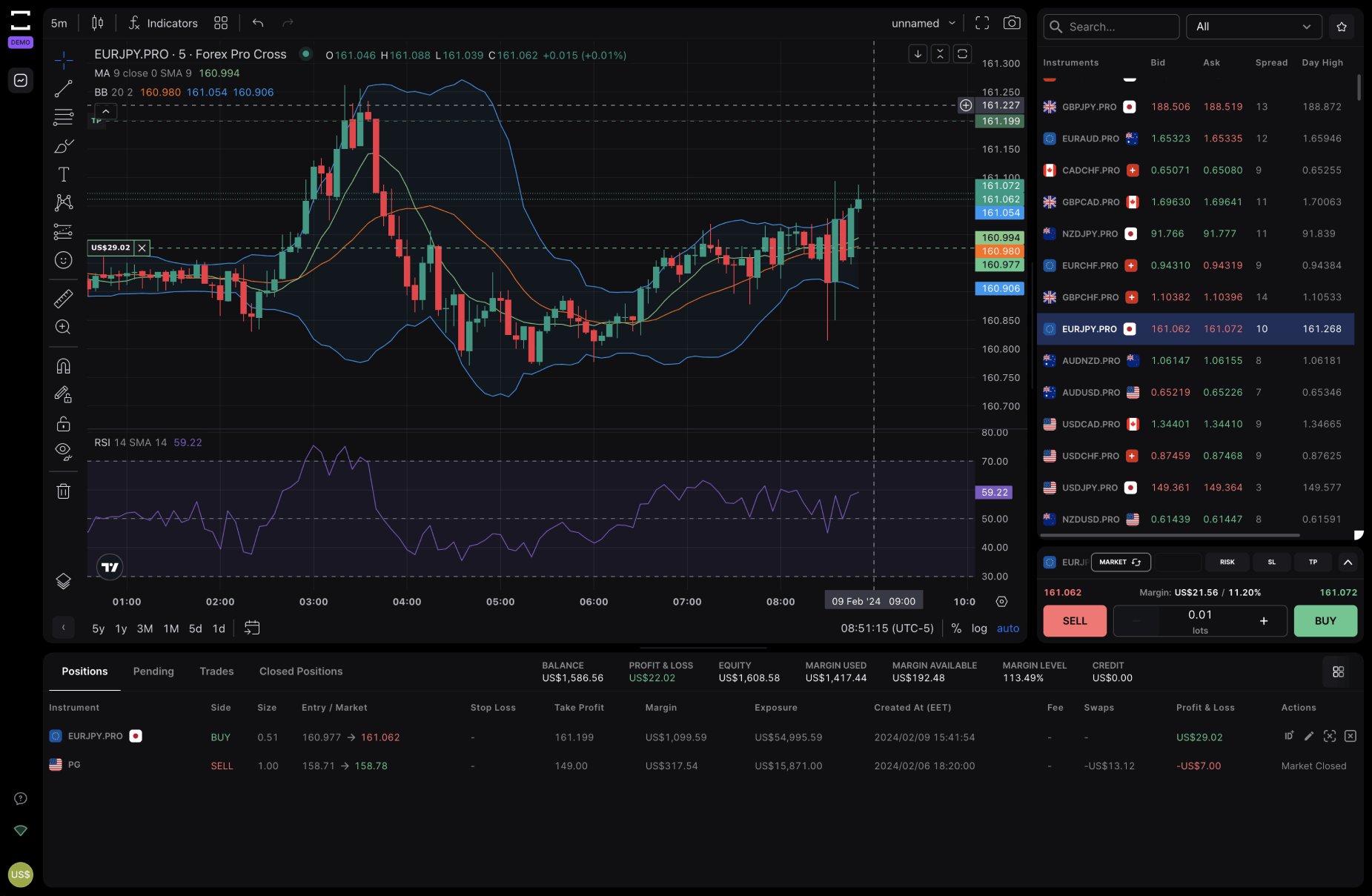
Give your charts room to breathe. Choose the official app for your Windows PC or Mac.
Bring the platform with you. Get the official TradeLocker app from your device’s app store.
Your browser is your trading station. Launch TradeLocker without installing an app.
NO INSTALLATION NEEDEDHedgeless Trading is a referral partner of ATH Market and may earn a commission from the linked portal. This journal does not verify funding or payout eligibility. Figures depend on the completeness and accuracy of your records. Privacy ↗